Understanding the Image to Prompt Technology
The rapid evolution of artificial intelligence has transformed how we generate and interact with creative content. One of the latest innovations in this domain is the image to prompt generator, a tool designed to bridge the gap between visual materials and text-based descriptions. This technology not only simplifies the creative process but also enhances the capabilities of AI image generators, allowing users to produce higher-quality visuals with ease.
What is an Image to Prompt Generator?
An image to prompt generator is an advanced AI tool that converts visual images into detailed text prompts. By analyzing various elements such as the subject, lighting, style, and overall composition, these tools generate structured descriptions tailored for use with AI image generators. This means that users can upload a photo and receive a nuanced prompt that accurately captures the essence of the image, providing a robust starting point for further creative work.
How Does the Technology Work?
Utilizing cutting-edge computer vision and large language models, an image to prompt tool scrutinizes the content of an image. It identifies key features and translates them into natural language. For instance, it can discern facial expressions, objects, and environments, transforming those visual cues into articulate descriptions. This process enables seamless interaction with AI tools like Midjourney, DALL·E, and Stable Diffusion by ensuring that the generated prompts are aligned with the model's understanding of visual information.
Benefits of Using Image to Prompt Tools
- Creativity Enhancement: By converting images into prompts, users can overcome creative blocks, generating fresh ideas based on existing visuals.
- Time-Efficiency: Instead of crafting prompts from scratch, users can quickly derive comprehensive descriptions, saving precious time in the creative workflow.
- Higher Accuracy: The AI-powered analysis ensures that the generated prompts align closely with the visual content, enhancing the quality of AI-generated images.
- User-Friendly Interface: Most image to prompt generators are designed with simplicity in mind, allowing even novice users to generate prompts effortlessly.
How to Use the Image to Prompt Generator Effectively
Step-by-Step Guide for New Users
Getting started with an image to prompt generator is a straightforward process. Here’s a quick guide to help newcomers:
- Upload Your Image: Choose an image file in JPG, PNG, or WEBP format. Ensure the file size does not exceed 4MB.
- Initiate the Process: Click on the "Generate Prompt" button. This action triggers the AI to analyze your image.
- Receive Your Prompt: Wait a few seconds as the tool processes your image and generates a corresponding prompt.
- Refine if Necessary: You can copy the generated prompt directly or further modify it to better suit your needs.
Advanced Features to Explore
Once familiar with the basic functionalities, users can explore advanced features of the image to prompt generator:
- Multiple Prompt Styles: Most generators offer varied prompt formats, allowing users to choose between general descriptions and structured inputs tailored for specific AI models.
- Model-Specific Options: Users can optimize prompts for different AI image generators, including specialized settings for popular tools like Gemini and Flux.
- Image Previews: Some tools allow users to see a preview of how their uploaded images will appear after processing, ensuring satisfaction before generating prompts.
Best Practices for Maximum Output Quality
To ensure the highest quality outputs from an image to prompt generator, consider the following best practices:
- Select Clear Images: High-resolution images with clear subjects will yield the best prompt quality, as the AI can better identify and interpret visual elements.
- Experiment with Variations: Try using different images and settings to see how the generated prompts vary. This can help you understand the strengths and weaknesses of the tool.
- Utilize Feedback Mechanisms: Many tools have features that allow users to provide feedback on generated prompts, which helps improve the AI’s accuracy over time.
Types of Prompts Generated by Image to Prompt Tools
General Descriptive Prompts
General descriptive prompts offer broad overviews of the visual content, encompassing elements such as the main subject, surroundings, and atmosphere. For example:
- "A serene landscape featuring rolling hills under a vibrant sunset."
- "An astronaut floating in space, gazing at a distant planet."
Structured Prompt Formats
Structured prompts provide a more detailed and organized description that can be better interpreted by AI models. These often include specific details about the composition, mood, and desired style. For instance:
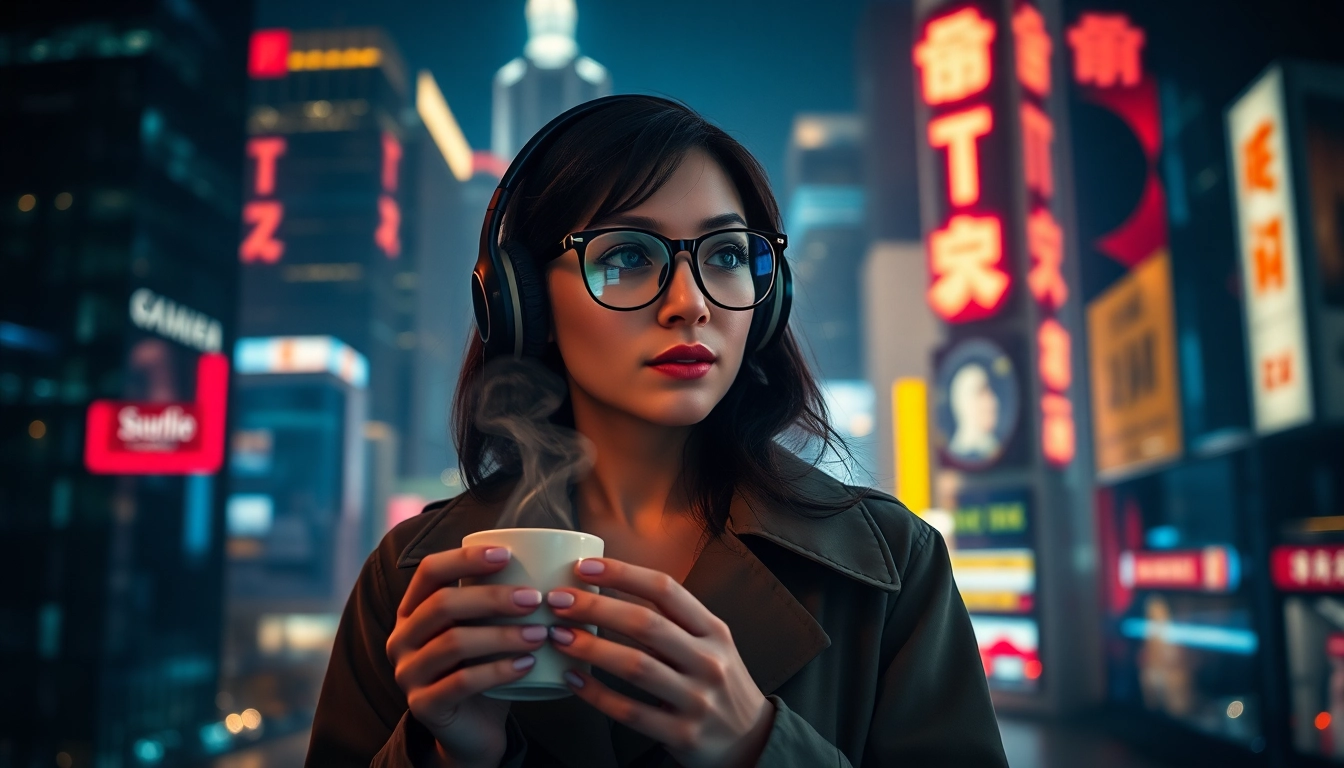
- "Cinematic mid-shot of a young woman with headphones and a stylish trench coat, silhouetted against a breathtaking cityscape at night, with moody atmosphere and high-contrast lighting."
- "Wide shot of a curious young girl in a red cloak cautiously approaching a majestic unicorn in a sun-dappled forest, evoking high fantasy."
Model-Specific Prompt Examples
Different AI image generators have unique requirements. Model-specific prompts are tailored to meet these needs, enhancing output accuracy:
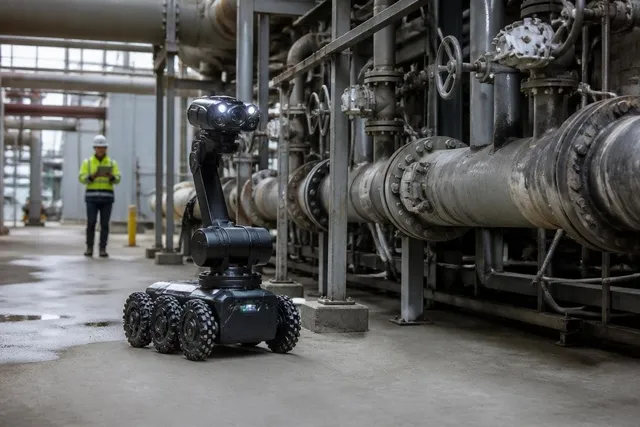
- For Midjourney: "A high-tech laboratory with a scientist and a hovering robot, exhibiting a sci-fi aesthetic, sharp focus, and glowing circuits."
- For Stable Diffusion: "An intimate scene inside a vintage Parisian café, capturing warm lighting and a nostalgic atmosphere on 35mm film."
Common Challenges and Solutions in Prompt Generation
Overcoming Misconceptions about Image to Prompt
Despite the advancements in technology, users often harbor misconceptions about the capabilities of image to prompt generators:
- Myth: These tools require extensive technical knowledge.
- Fact: Most generators are designed for accessibility, allowing anyone to generate prompts easily.
Addressing User Pain Points and Feedback
User feedback highlights common challenges, such as:
- Inconsistencies in generated prompts, leading to confusion.
- The perception that some tools lack depth in prompt output.
Providers can address these issues by regularly updating their algorithms and enhancing user interfaces based on feedback.
Tips for Fine-Tuning Generated Prompts
To maximize the effectiveness of generated prompts, users should:
- Adjust Language: Personalizing prompts with specific adjectives or descriptors can clarify the intended outcome.
- Iterate and Experiment: Regularly tweaking the prompts based on initial results can help find the best settings for desired outputs.
The Future of Image to Prompt Technology in 2026 and Beyond
Emerging Trends in AI Image Generation
The rise of AI-driven tools continues to shape the creative landscape, with several key trends emerging:
- Integration with Augmented Reality: Future developments may enable direct interactions with AR environments, offering real-time prompt generation based on live visuals.
- Personalization: AI tools are expected to become more attuned to individual user preferences, further refining prompt accuracy.
Predictions for User Interaction and Experience
Moving forward, the user experience is likely to shift towards greater interactivity:
- Real-Time Feedback: Advanced tools may offer immediate feedback and suggestions, enhancing the creative process.
- Community Engagement: Users might engage more with communities to share tips, prompts, and techniques for better results.
Innovative Enhancements on the Horizon
As we approach 2026, expect to see significant innovations:
- Cross-Model Compatibility: Future generators may provide seamless compatibility across various AI models, simplifying the creative process.
- Enhanced Learning Algorithms: Tools will likely utilize advanced learning algorithms to improve prompt generation accuracy over time.